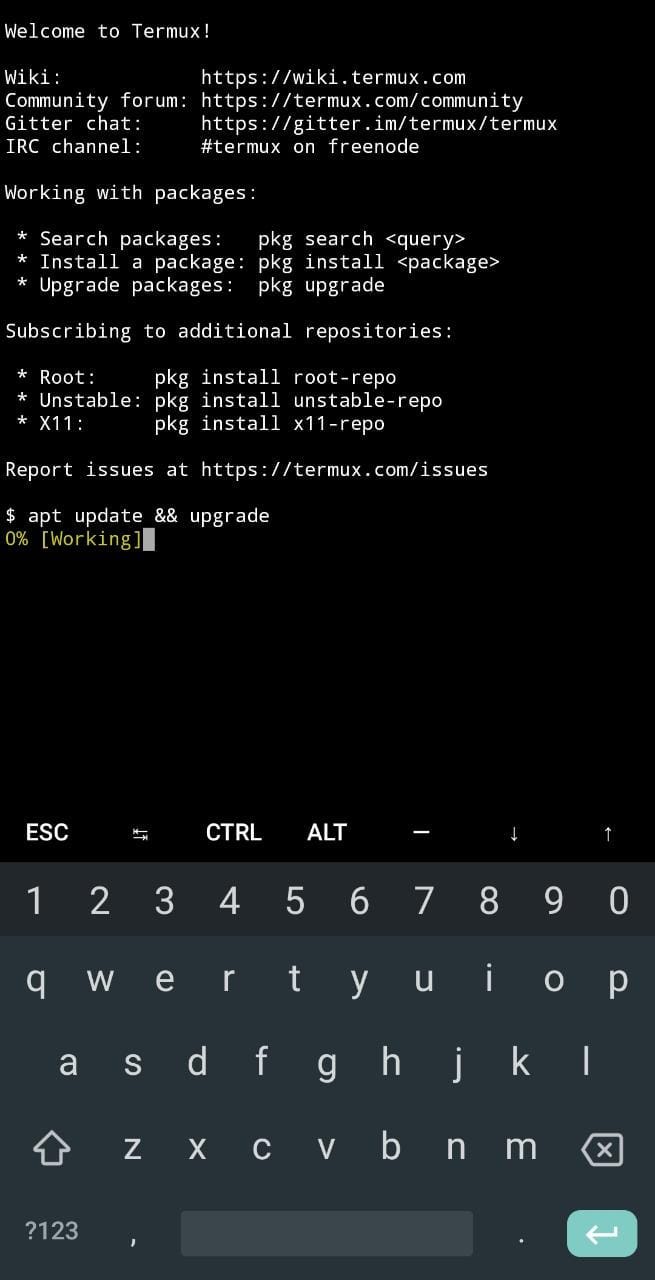
Termux

Termux is a Powerful Android app Designed to install Linux packages on your Android phone.
Termux is a terminal emulator for Android and Linux site running on Android without the need for rooting or configuration. APT package manager can be used to install additional applications / packages.
You can install shell, python, c, c++, Perl, ruby, java, and many other useful packages with this Termux app, and we can use various roaming tools / scripts on our mobile phones with Termux, such as –Nmap, Hydra, and Sqlmap.
If you want to use only the tools you need, read this article in its entirety to learn how to use the Termux app and how to use simple Termux commands to install hijacking tools on your Android phone.
Because the Android environment is different from the Linux environment in general so in Thermax we can install the most commonly used packages / applications on Linux. Termux commands list
Termux also comes with a package manager (APT) that makes it easy to find and install the packages you need in the Termux software repository.
(APT) which makes it easy to find and install the packages you need in the Termux software environment.
How does this work
The terminal emulator is software that uses a system call manager to run a command line program and redirect standard input, output, and error streams to the display.
Many of the deadliest Android OS apps work with a small set of resources that are often provided by the app or other root removal tools like Magisk.
Termux is not a visual machine, nor is it a simulated or simulated location of any kind. All of the provided packages are bundled differently using the Android NDK and just need compatibility updates to work on Android. Because Termux does not have full access to operating system files, it cannot load package files into standard folders.
Some useful Termux commands you can use in your Android terminal:
Lists files and directories in the current directory.
Update Package List:
To ensure you have access to the latest packages, run:
   pkg update
   Upgrade Installed Packages:
Keep your installed packages up-to-date with:
pkg upgradeInstall New Packages:
To install a new package (e.g., Python), use:
pkg install pythonStorage Access:
Request permission to access your device’s storage:
termux-setup-storagePrevent Sleep Mode:
If you want to prevent your device from sleeping while Termux is running, use:
termux-wake-lockIn the terminal, type the following command and press Enter:
mkdir email
Change Working Directory (cd):
The
cdcommand (Change Directory) allows you to navigate between folders in Termux.To change to a specific directory, use:
cd FolderNameReplace “FolderName” with the actual name of the folder you want to access.
Print Working Directory (pwd):
The
pwdcommand shows your current working directory (the folder you’re currently in).Simply type:
pwd
List Files and Folders (ls):
The
lscommand lists the files and directories in the current folder.To see the contents of the current directory, use:
ls
Accessing Shared Storage:
By default, Termux doesn’t have access to shared storage (e.g.,
/sdcardor/storage/emulated/0).Grant storage permission by running:
termux-setup-storage